NFL Picks Mobile App Downloads
Android App Installation Notes

  • 1-If you are installing version 2 and version 1 is still installed, uninstall it.

  • 2-To install either version, go to Settings on your phone, select Security and Privacy, toggle the Auto Blocker to ON

  • 3-Click on the desired version Download button below and install it on your Android phone

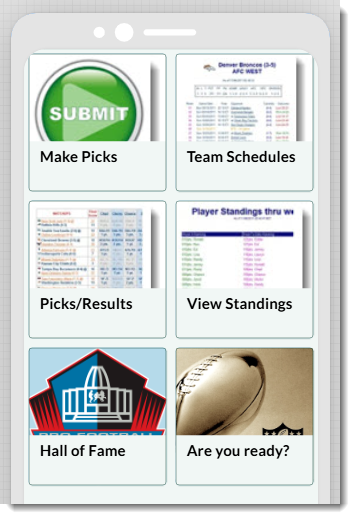
  • 4-If the NFL Picks App logo at the top of any page doesn't show the current season year-range...ex: 2025-26, you must clear the browser images cache. To do that, launch the NFL Picks app, select the Hall of Fame button, select the browser 3 dots menu, select Delete browsing data > More options > uncheck all checkboxes except for Cached images and files and select the Delete data button. If the Cached images and files MBs has not been greatly reduced, repeat Step 4.

  • 5-If neither app versions work on your phone, click on the following link: Randy's NFL Picks to access the Picks pages directly through your web browser.
Click to download nfla.ipa
Android Version 1 (nfl.apk)

This version works for Samsung S23 or earlier. If this app version does not work on your phone, follow the instructions below to install version-2.
Click to download nfl.apk
 
Android Version-2 (nfl2.apk)

This version works on Samsung S24 or newer. Android version 15.
Click to download nfl2.apk
 
Apple Version 1

This version works on all Apple iOS cellphones (as far as I know)

Click the following link to view the
non-app store installation procedure
Click to download nfla.ipa
(not ready)